
How to Log In to the Employee Portal
Follow these steps to access the Employee Portal:
- Visit avocadova.com.
- At the top-right corner of the page, click the Login button.
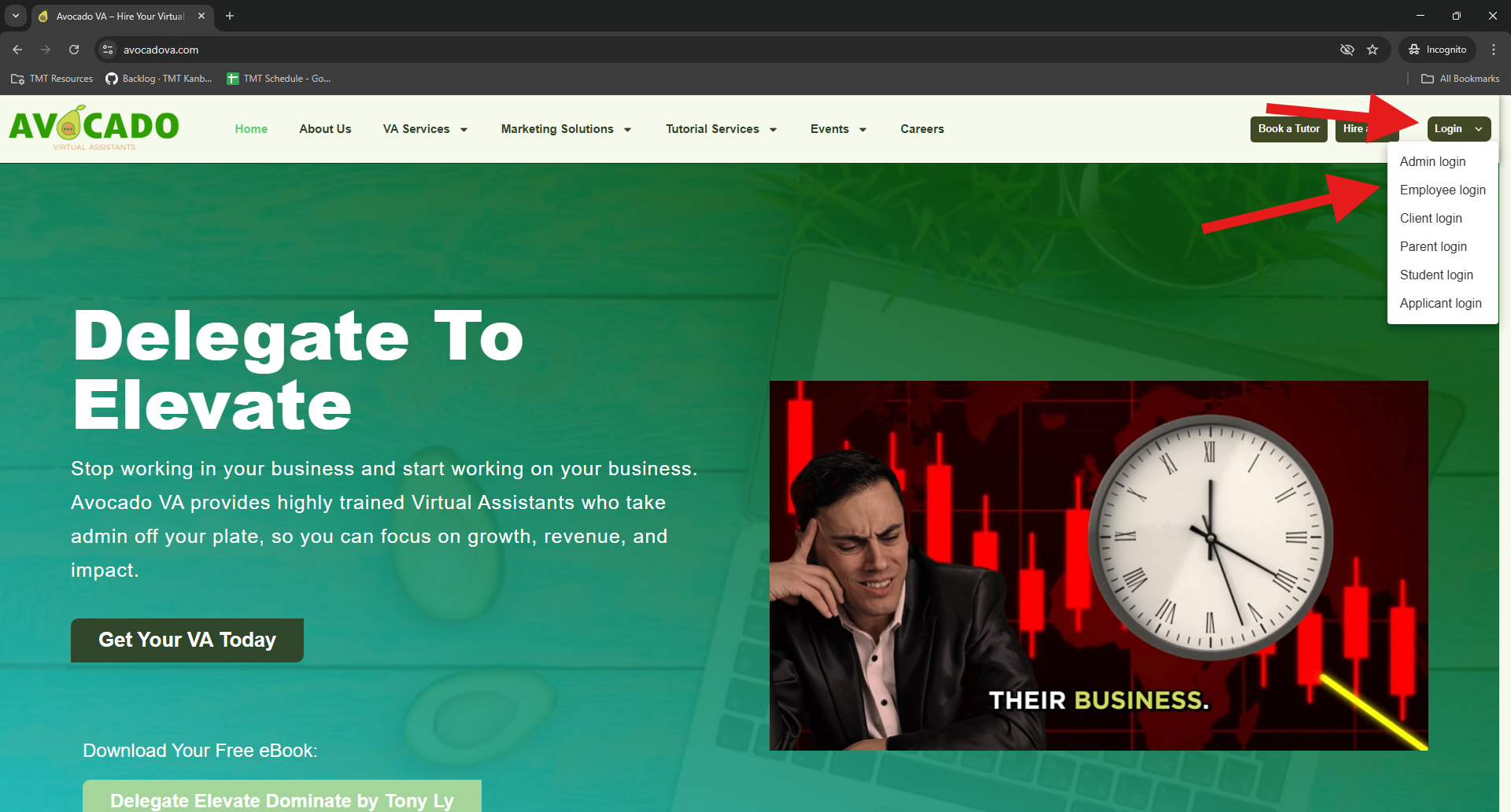
- A menu will appear. Select Employee Login.
- You will be redirected to the Employee Login page.
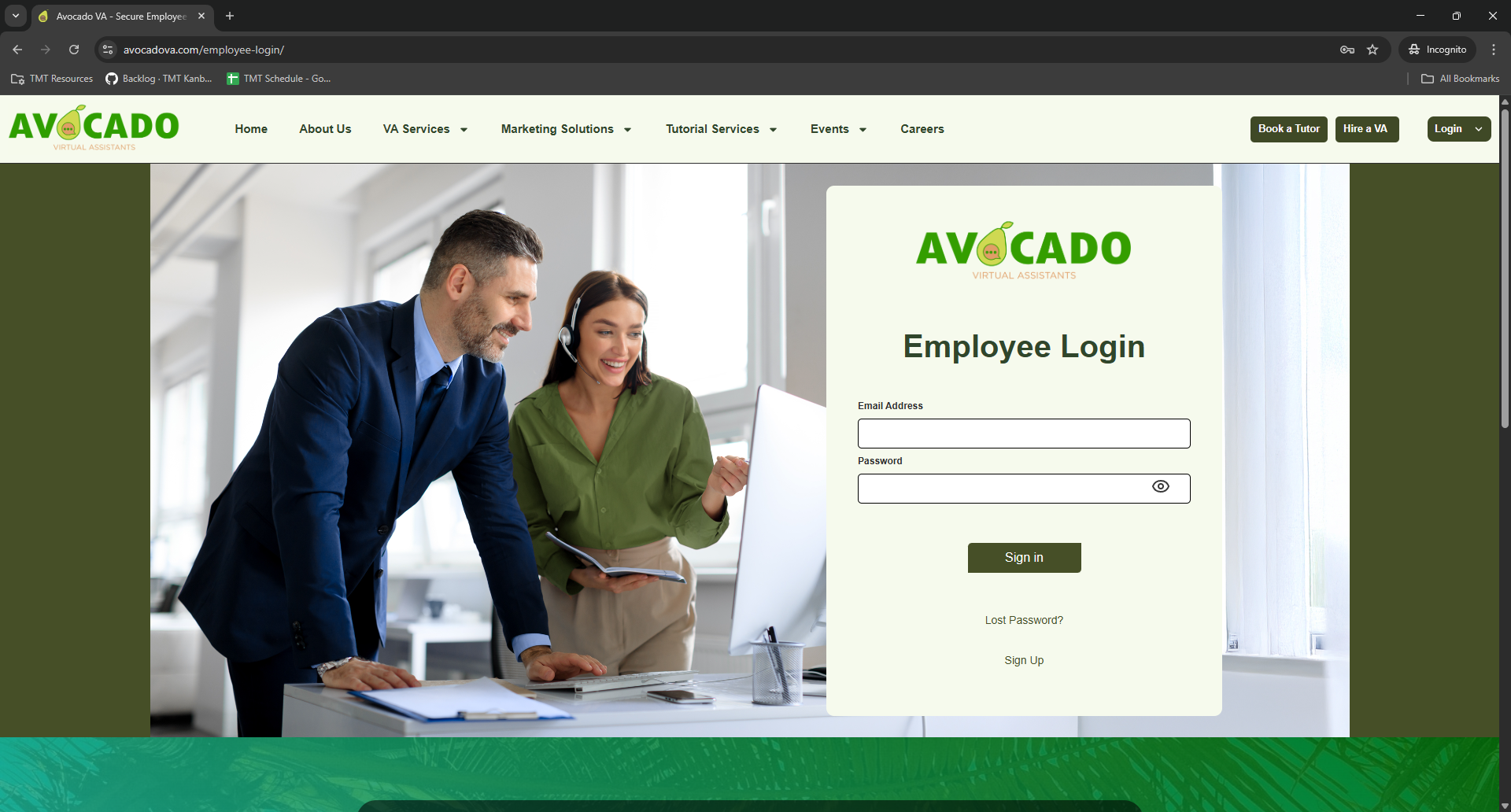
- Enter your email address and password in their respective fields.
- Click the Sign In button.
If the login is successful, you will be redirected to the Employee Portal dashboard.
Make sure your email address is entered correctly and does not contain extra spaces.
If you do not know your login credentials, please check your email for a message with the subject: “Welcome to Avocadova – Your Account Details”. If you cannot find this email, please contact your administrator for assistance.
Explore More Avocado VA Guides — Visit the full Knowledge Base to find answers, tutorials, and helpful tips.